How to Manage Money in GTA 6 and Use the BuckMe Bank App
Learn how BuckMe works in GTA 6, where to deposit cash, which Family Savings upgrades are worth getting, and how to protect your money in Chapter 1.
Money in GTA 6 is split between Pocket Cash, BuckMe Checking, and Family Savings. Each works differently. Pocket Cash is used for everyday purchases but can be lost if you're killed or arrested. Checking is safer and handles larger payments, while Family Savings protects your money and unlocks account upgrades.
There's one important catch: you can never withdraw money from Family Savings. You'll need to decide how much you can afford to put away, especially early in the game.
This guide explains how to use BuckMe, deposit and withdraw cash, unlock savings rewards, and avoid losing your money at the end of Chapter 1.
How to unlock the BuckMe app
You'll unlock BuckMe during the Chapter 1 mission Buck Me, which becomes available shortly after Coming Home. Lucia calls Jason because she needs a bank account to receive her community service payments. Meet her at the Fleeca Bank branch in Key Lento and speak to the teller, who directs you to the bank manager.
After checking Jason and Lucia's credit, the manager explains that neither qualifies for a conventional bank account. He recommends BuckMe instead.
During the conversation, you'll have a choice about Jason's hidden savings:
- Saved Cash: Jason tells Lucia about the money he's put aside, improving their relationship.
- Say Nothing: Jason keeps the savings to himself, which negatively affects their relationship.
Both choices lead to the same banking outcome. After the meeting, you'll return home and receive a $100 welcome bonus in your new BuckMe Checking Account. Open the app on Jason's phone, select Checking Account > Buck Yourself, and transfer the $100 into Family Savings to complete the mission.
You can then use BuckMe throughout the rest of the game.
How BuckMe money works

BuckMe divides your money into three categories:
- Pocket Cash: Physical money carried by the current protagonist. It is used for smaller purchases and can be lost when you are Wasted or Busted.
- Checking Account: Jason and Lucia each have their own BuckMe Checking balance. This is used for larger purchases, digital payments, and most substantial mission income.
- Family Savings: A shared account used by both protagonists. Money deposited here cannot be withdrawn again, but it is protected and contributes toward account upgrades and discounts.
Checking is where you should keep most of your spendable money. It's safer than carrying cash, although death or arrest can still result in a smaller account-related deduction.
Family Savings serves a different purpose. Once you transfer money into it, you can't withdraw or spend that money again. In return, reaching savings milestones increases your Checking limit and unlocks discounts on certain purchases.
How to deposit Pocket Cash into BuckMe
Pocket Cash cannot be moved into Checking directly through the phone. Deposits have to be made at an ATM, which means the BuckMe app mainly helps you locate the nearest machine rather than handling the full transaction remotely.
To deposit money:
- Press Up on the D-pad to open the phone.
- Open BuckMe.
- Select ATM Finder.
- Choose Set Destination to mark the nearest ATM.
- Travel to the machine and interact with it.
- Select Deposit.
- Choose how much Pocket Cash you want to move.
- Confirm the transaction.
The money moves from your Pocket Cash into the current character's Checking Account. There's an ATM close to Jason's house in Key Lento, making it a convenient place to deposit money early in the game.
Depositing cash doesn't automatically add it to Family Savings. If you want to contribute to savings afterward, you'll need to make a separate transfer through BuckMe.

How to withdraw cash
You can also withdraw money from your Checking Account at an ATM. Interact with the machine, select Withdraw, choose an amount, and confirm. The money will be added to your Pocket Cash.
However, there's little reason to carry large amounts of cash. Most expensive purchases are paid directly through BuckMe, so withdrawing thousands of dollars only puts more of your money at risk.
Keep your money in Checking unless you specifically need physical cash.
When GTA 6 uses cash and when it uses BuckMe
The game usually handles payments automatically. Smaller purchases, generally below $1,000, use Pocket Cash when you have enough available. More expensive purchases and certain services are charged to your Checking Account.
If you're carrying no cash, the game can also use BuckMe for smaller purchases. That means you don't need to withdraw money before buying an expensive weapon, paying for vehicle services, or purchasing a garage.
Keeping your Pocket Cash balance low is generally the safer approach, particularly before dangerous missions.
Why you should bank your Pocket Cash
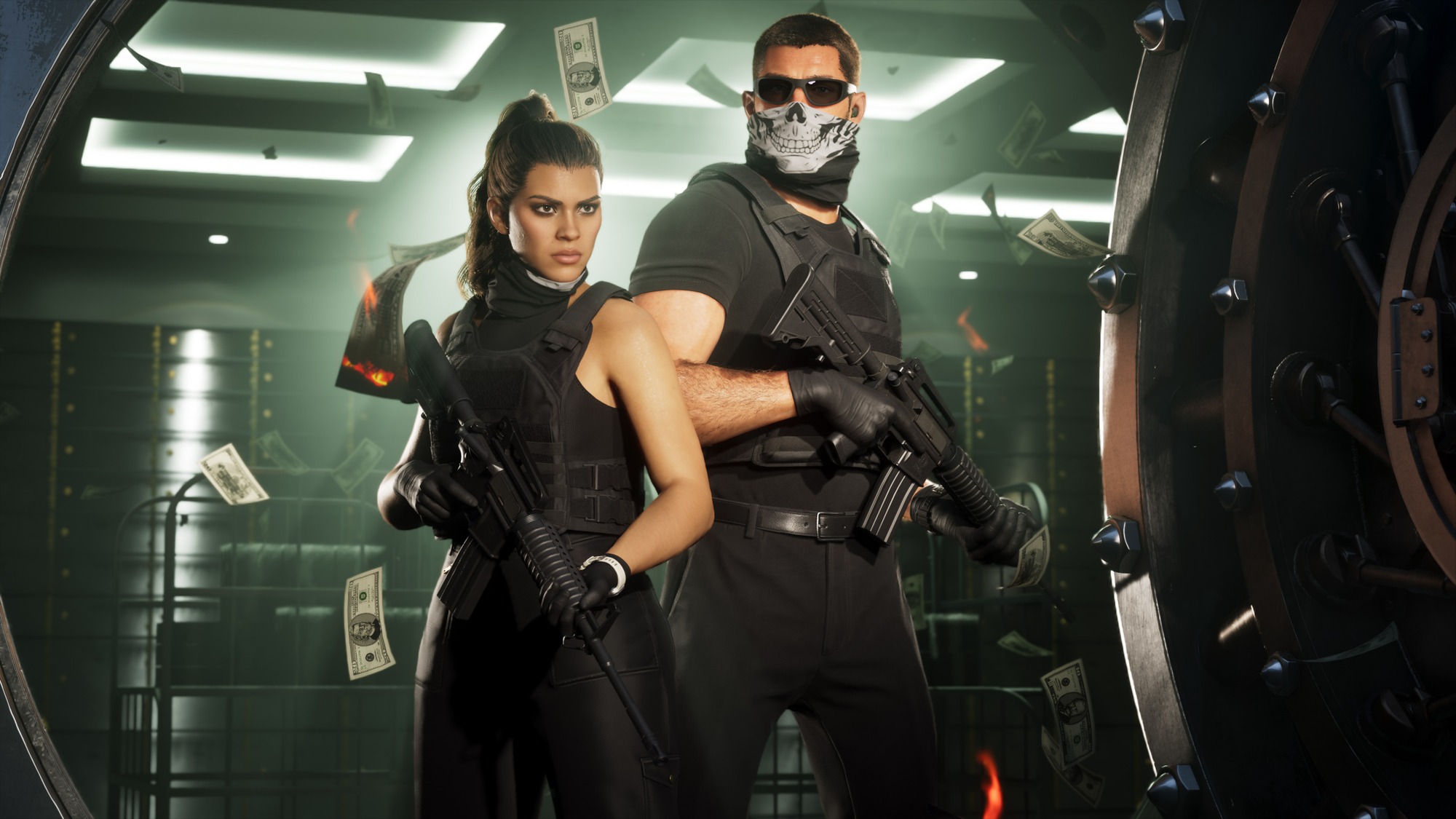
You can lose your Pocket Cash when you're Wasted or Busted. The more you're carrying, the more money you risk losing. Your Checking Account offers better protection, although some money may still be deducted when you die. Family Savings is the only account that cannot be lost this way.
Make a habit of depositing cash after robberies, missions, and other activities that pay you in physical money. If you've just earned a large amount, consider visiting an ATM before starting another robbery or getting involved in a police chase. A quick deposit can prevent you from losing much of your payout.
Jason and Lucia have separate Checking Accounts
Jason and Lucia each have their own Pocket Cash and Checking Account balances. Money earned by Jason doesn't automatically become available to Lucia, and vice versa. This becomes more noticeable later in the story, when the two characters begin earning money through different activities.
Family Savings is shared, however. Both characters contribute toward the same total and benefit from the account upgrades it unlocks. Before making a major purchase, check the balance of the character you're currently playing. Switching protagonists doesn't give you access to the other character's Checking funds.
How to put money into Family Savings
Family Savings is managed directly through BuckMe rather than through an ATM. The transfer comes from the current character's Checking Account and immediately contributes to the shared savings total.
To make a contribution:
- Open the phone and launch BuckMe.
- Open the Checking Account section.
- Select Buck Yourself.
- Choose the amount you want to contribute.
- Confirm the transfer.
The money is immediately added to the shared Family Savings balance. Be careful with the amount you choose. Family Savings transfers cannot be reversed, and the money won't be available for weapons, vehicles, clothing, or other purchases afterward.
It's best to contribute money you won't need for immediate expenses.
Family Savings tiers and rewards
As your Family Savings balance grows, you'll unlock higher Checking limits and discounts through the recurring Save for the Future mission.
There are six savings milestones, although later goals only become available as you progress through the story.
| Family Savings | Tier | Checking limit | Main perk |
|---|---|---|---|
| $5,000 | Buckin' Broke | $15,000 | First major account upgrade |
| $10,000 | BuckeDry | $100,000 | 20% off RydeMe |
| $100,000 | BuckMe Gold | $500,000 | 20% off garages |
| $500,000 | BuckMe Premium | $2,000,000 | 10% off vehicle liveries |
| $1,000,000 | Rich as Buck | $2,000,000 | Late-game savings progression |
| $2,000,000 | Final tier | $2,000,000 | Final savings milestone |
The $10,000 and $100,000 milestones offer particularly good rewards because they increase your spending limit and reduce costs you'll encounter during normal gameplay.
The later milestones are more relevant once you're earning substantial amounts of money. They don't increase your Checking limit beyond $2 million, although reaching the final savings target can also matter for the game's ending.
Which Family Savings milestones are worth prioritizing?
Your first target should be $5,000, which unlocks Buckin' Broke and raises your Checking limit to $15,000. More importantly, money in Family Savings survives the end of Chapter 1, when you'll lose most of your other funds. Try to reach this milestone before starting Tourist Trap, but keep enough spending money for essential equipment along the way.
The $10,000 milestone unlocks BuckeDry, increasing your Checking limit to $100,000 and giving you 20% off RydeMe journeys. It's a worthwhile upgrade as your mission payouts grow, particularly if you regularly use RydeMe to travel across Leonida.
At $100,000, you'll reach BuckMe Gold and receive a $500,000 Checking limit alongside 20% off garage purchases. If you're planning to build a large vehicle collection, reaching this tier before buying expensive garages through Vice City Real Estate can save you a substantial amount.
You don't need to rush toward every milestone, though. After Chapter 1, it's generally better to save gradually and keep enough money available for your next purchases.
BuckMe Premium and Chapter 4
BuckMe Premium normally requires $500,000 in Family Savings. It raises your Checking limit to $2 million and gives you 10% off vehicle liveries. However, there's a reason you might want to hold off on saving that much.
You automatically receive BuckMe Premium at the start of Chapter 4 regardless of how much money you've deposited into Family Savings. The upgrade is also referred to as BuckMe Black in the message announcing it.
If you're close to Chapter 4 and mainly want the higher Checking limit, there's little reason to lock away $500,000 just to receive the upgrade slightly earlier. You can keep that money available for other purchases and let the story unlock Premium for you.
What happens when your Checking Account is full

Each BuckMe tier has a maximum Checking balance. If you've reached that limit, new mission rewards or other incoming payments may appear as Pending instead of being added to your account.
The money isn't necessarily lost. It's waiting until your account can accept the payment. You can try freeing up space by spending money or transferring some of your Checking balance into Family Savings. Account upgrades also increase your available limit.
Rockstar confirms that pending payments blocked by a full Checking Account are processed when the account is upgraded through story progression. If you can't deposit more money into Checking or Family Savings, you may need to continue the main story before the next account upgrade becomes available.
What you should do before the end of Chapter 1
There is a major financial point of no return late in Chapter 1. Starting Tourist Trap commits you to the final sequence of the chapter, and by the time Chapter 2 begins, money left as Pocket Cash, money sitting in Checking, and certain other stored funds can be lost.
Family Savings survives the transition, which makes the first $5,000 target far more important than a normal account upgrade. Before starting Tourist Trap, it is worth organizing your money properly instead of carrying a large balance into the chapter ending.
A good approach is to:
- Get Family Savings as close to the $5,000 Chapter 1 limit as possible.
- Spend useful remaining money on things you will keep.
- Do not leave large amounts of cash sitting in Jason's house.
- Avoid farming money you cannot protect before the chapter ends.
- Make a manual save before starting Tourist Trap.
This is one of the few points in the game where spending money can actually be safer than holding onto it.
Should you put all your money into Family Savings?
Usually not. Family Savings offers valuable discounts and protects your money, but every transfer permanently reduces the amount you can spend.
For example, if you have $12,000 and move $10,000 into savings, you'll only have $2,000 left for weapons, ammunition, vehicle services, and other expenses. Reaching the next tier isn't always worth leaving yourself short of cash.
The main exception is the end of Chapter 1, when protecting up to $5,000 in Family Savings is particularly valuable. After that, you can work toward the larger milestones gradually. Keep enough money in Checking for anything you're planning to buy and transfer the remainder when you're comfortable locking it away.
The best way to manage your money
The safest approach is to keep most of your spendable money in Checking and deposit Pocket Cash regularly. Check your balance after profitable robberies, avoid carrying large amounts into dangerous missions, and contribute to Family Savings when you're working toward an account upgrade.
Remember that Jason and Lucia have separate Checking balances, so check which character has the money before making an expensive purchase. Keep an eye on your account limit as mission payouts increase, too.
Above all, prepare your money before the end of Chapter 1. Getting $5,000 into Family Savings and spending what you can't protect will leave you in a better position when Chapter 2 begins.
For everyday play, the distinction is simple: use Pocket Cash for small purchases, Checking for money you still need, and Family Savings for money you're willing to lock away in exchange for long-term benefits.

Grand Theft Auto VI heads to the state of Leonida, home to the neon-soaked streets of Vice City and beyond in the biggest, most immersive evolution of the Grand Theft Auto series yet.


