GTA 6 First Person Glitch: How to Play in First Person
A camera glitch keeps GTA 6 in first person after you put your phone away. The exact button steps, what works, what breaks it and how to switch it off.
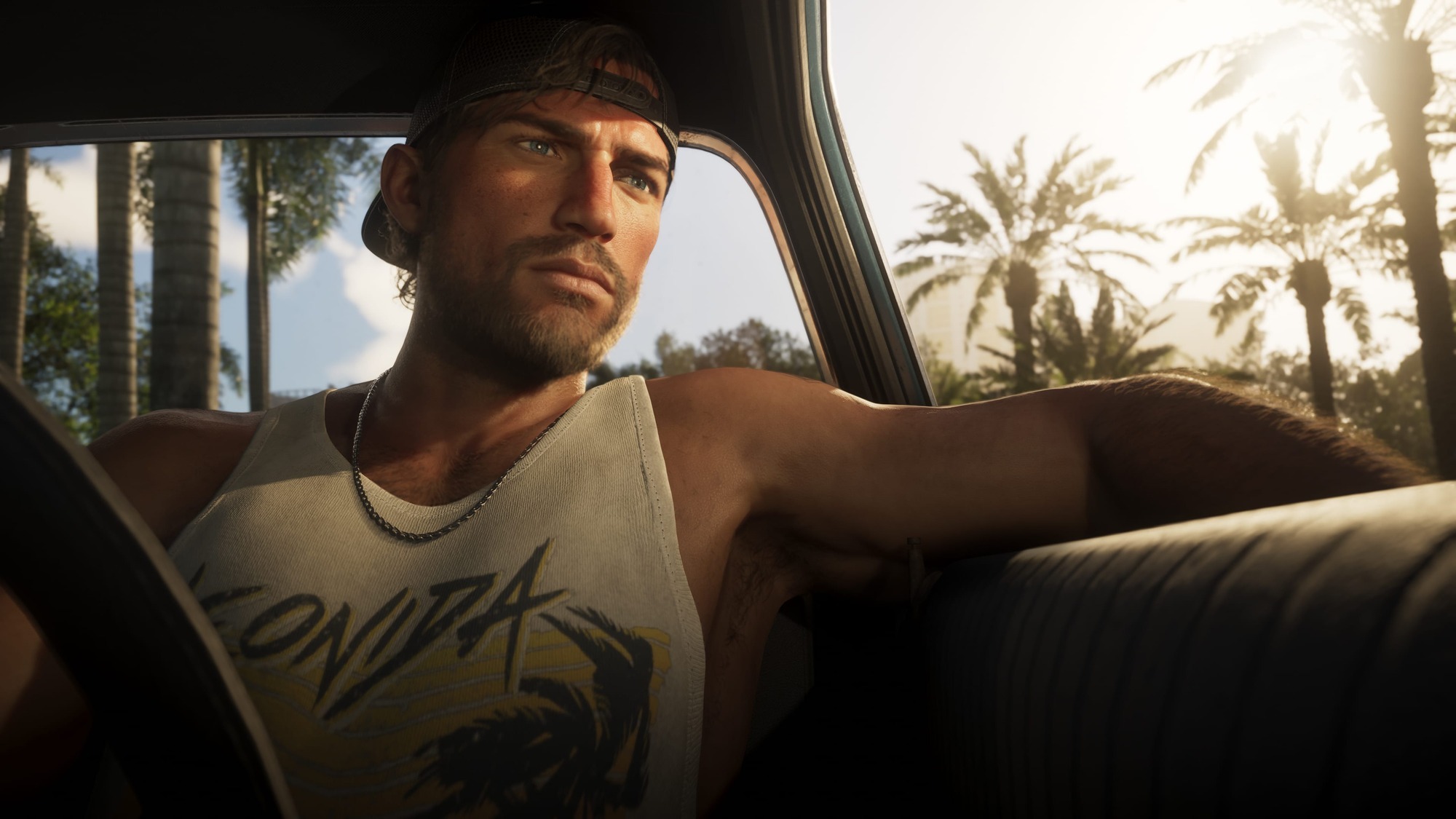
GTA 6 does not have a normal first-person mode, but a camera glitch lets you lock the game into first person and continue playing almost normally. Once activated, you can get out of your vehicle, walk around Leonida, drive, aim weapons, shoot, pick up items, and perform many ordinary actions from Jason or Lucia's point of view.
The trick uses the first-person camera that GTA 6 normally activates while you are looking at your phone inside a vehicle. By changing the camera button and hitting it at the right moment while putting the phone away, you can stop the game from switching back to third person. The glitch works on both PS5 and Xbox Series X|S. Here's how to activate the glitch, what you can do in first person, and how to return to the normal camera.
How to activate the GTA 6 first-person glitch
Before trying the glitch, consider making a manual save. There's no normal button for switching directly back to third person once the camera gets stuck, although you can reset it by reloading your game.
Follow these steps:
- Pause GTA 6 and open Settings.
- Go to the Controller menu.
- Find the setting for the Touch Pad Button on PS5 or View Button on Xbox Series X|S.
- Change that button from Map to Camera.
- Return to the game and get into the driver's seat of any normal vehicle.
- Press Up on the D-pad to take out Jason or Lucia's phone.
- Press Circle on PS5 or B on Xbox to put the phone away.
- Immediately start rapidly pressing the Touch Pad on PS5 or View button on Xbox.
- If the timing is correct, the phone will disappear but the camera will remain in first person.
You should now be looking through the windshield from the driver's seat, without the phone blocking your view. Get out of the vehicle to check whether the glitch worked. If the camera remains at eye level while you walk around, you can continue playing in first person.
You can still access the map through the pause menu after changing the controller shortcut.
What to do if the glitch does not work
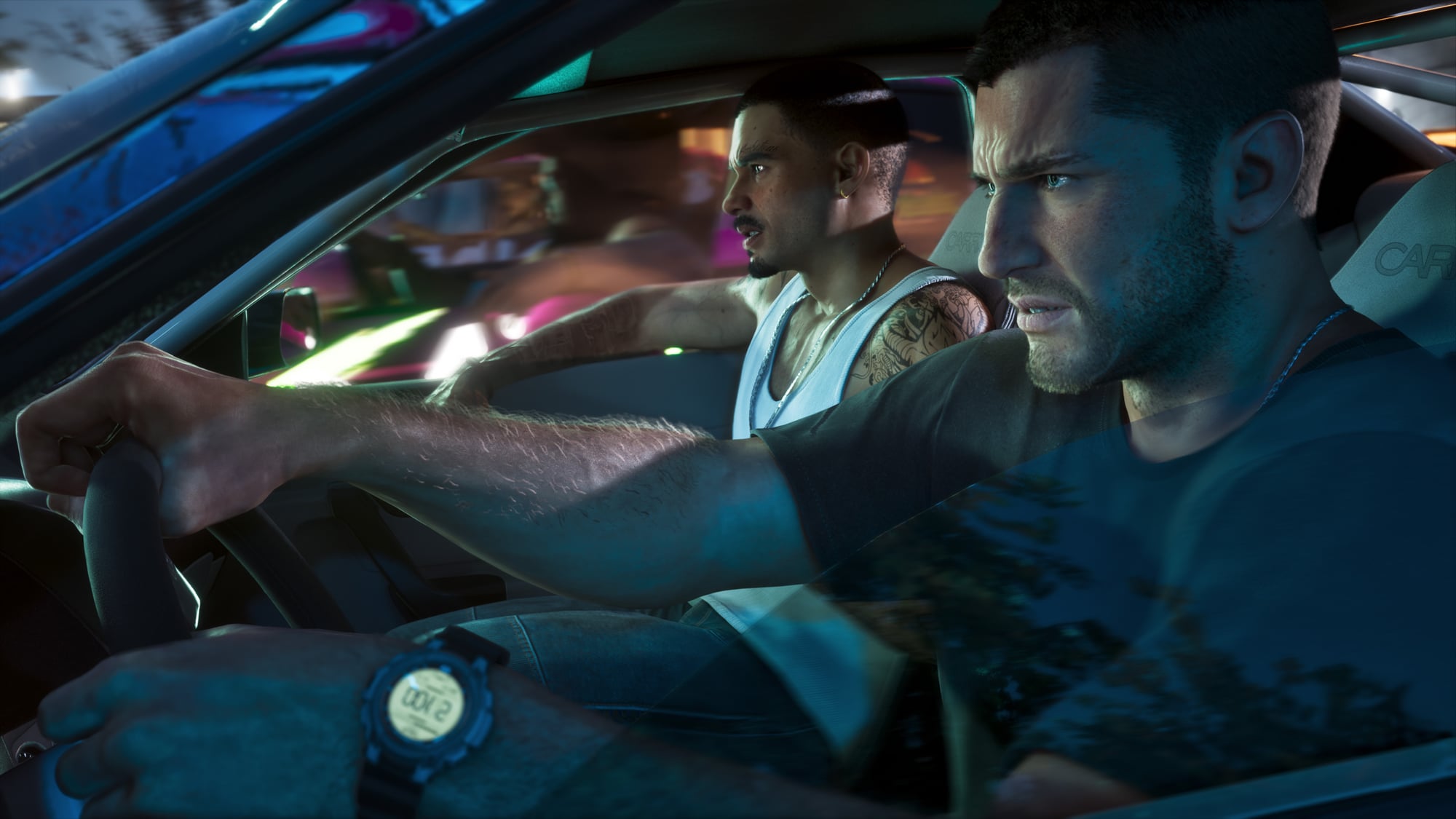
The trickiest part is timing the camera button correctly.
You need to press it almost immediately after closing the phone, ideally within the first couple of frames of the closing animation. If you're too slow, the camera simply returns to its normal third-person position.
If that happens, stay in the driver's seat and try again:
- Open the phone with Up on the D-pad.
- Close it with Circle or B.
- Immediately mash the newly assigned camera button.
You don't need to reload your save between attempts. If the shortcut keeps opening the map instead of changing the camera, return to Settings > Controller and make sure you've selected Camera (2/2).
It may take several tries before you get the timing right. Once the phone disappears and your view remains behind the steering wheel, you'll know you've succeeded.
What can you do in first person?
The glitch works surprisingly well for ordinary gameplay. You can walk, run, drive, aim, shoot, reload, collect items, and interact with many objects while keeping the first-person camera. Driving is particularly convincing. You can see the dashboard, look around the vehicle interior using the right stick, and turn toward passengers sitting beside you.
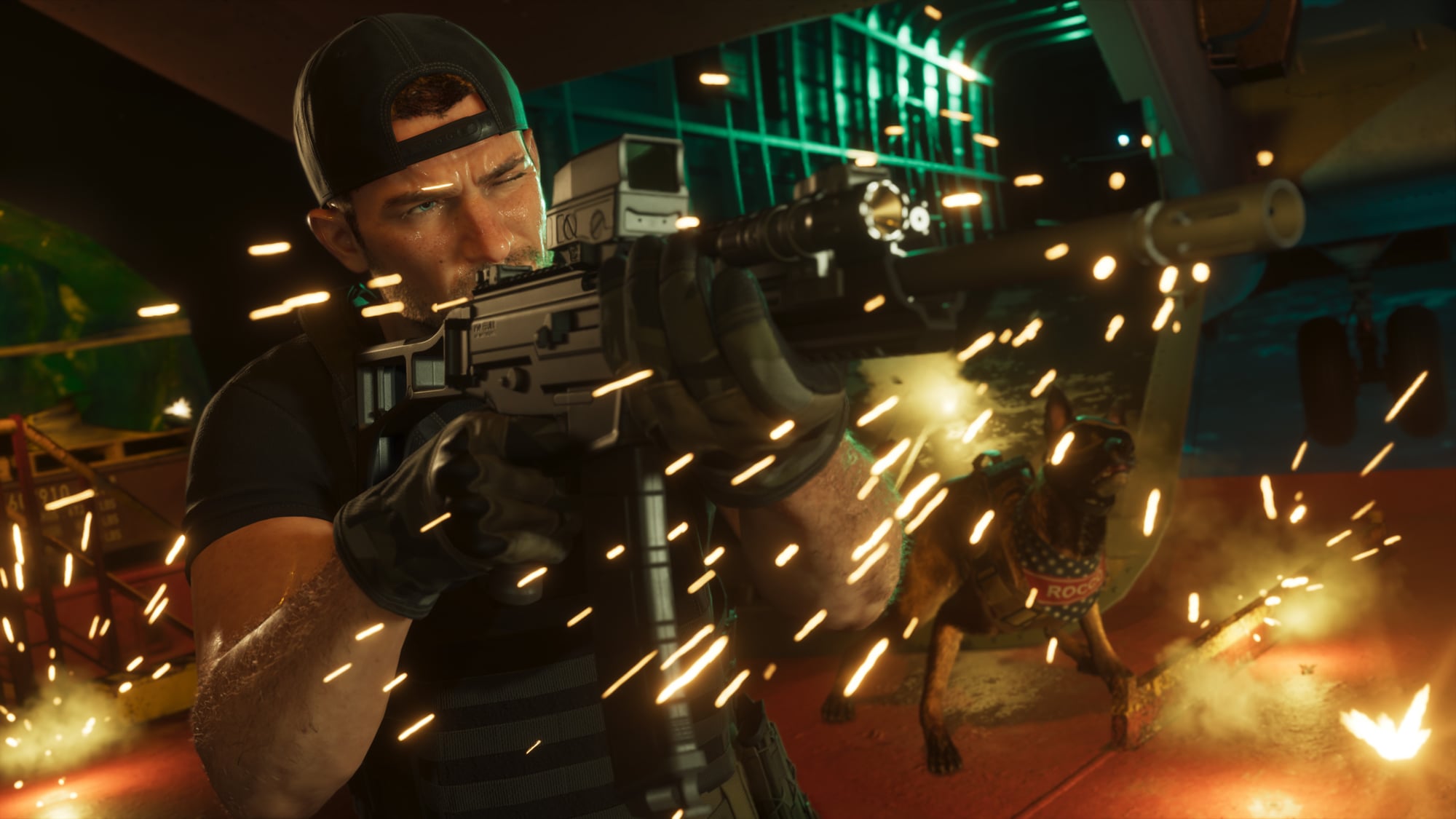
Combat also works, although it's less polished. Pistols and other firearms appear in front of the camera when you aim, giving you a view similar to a conventional first-person shooter. However, this isn't a finished first-person mode. Some animations look strange because GTA 6 was designed primarily around a third-person camera.
For example, long guns can cause Jason or Lucia's shoulders to clip into view. Entering vehicles can also produce awkward camera movements, and certain interactions may briefly place the camera in an unusual position.
For general exploration, driving, and experimenting with weapons, the glitch is still remarkably playable.

What breaks the first-person glitch?
Some activities force GTA 6 to use a different camera angle, which can reset the glitch.
Shops and vehicle customization are common examples. Opening certain purchase menus or entering a garage can return the camera to third person.
Cutscenes and scripted mission sequences can also interrupt the first-person view or cause unusual camera movements. The glitch is therefore better suited to free-roam exploration than playing entire story missions. You can still try using it during missions, but don't expect the camera to remain in first person throughout every scripted event.
If it stops working, you can usually activate it again by returning to a vehicle and repeating the phone trick.
How to turn first person off
The most reliable way to leave the glitched first-person mode is to reload a save.
Pause the game, load the manual save you created before activating the glitch, and the normal third-person camera will return. Saving while the glitch is active and then loading that save has also been reported to reset the camera.
Some scripted camera changes, including certain shops and other activities, may also knock the game back into third person, but these are not as dependable as simply reloading.
Afterward, return to Settings > Controller and change the Touch Pad or View button back to Map if you want the default controls again.
Does the first-person glitch still work?
Yes, players have reported that the first-person glitch still works after the November 23, 2026 update. The glitch was discovered shortly after GTA 6 launched on November 19 and survived the game's first post-launch patch.
Rockstar's update, version 01.002.002 on PS5 and 1.0.2.2 on Xbox Series X|S, addressed several problems, including crashes, autosave issues, phone calls failing to trigger, and Wanted Levels that wouldn't disappear.
The official patch notes don't mention the first-person camera glitch, and players have continued reporting that the method works after installing the update. However, there's no guarantee it will keep working. The glitch relies on unintended camera behavior, and Rockstar could remove it in a future patch.
For now, it's the closest you can get to playing GTA 6 entirely in first person without an official camera mode.
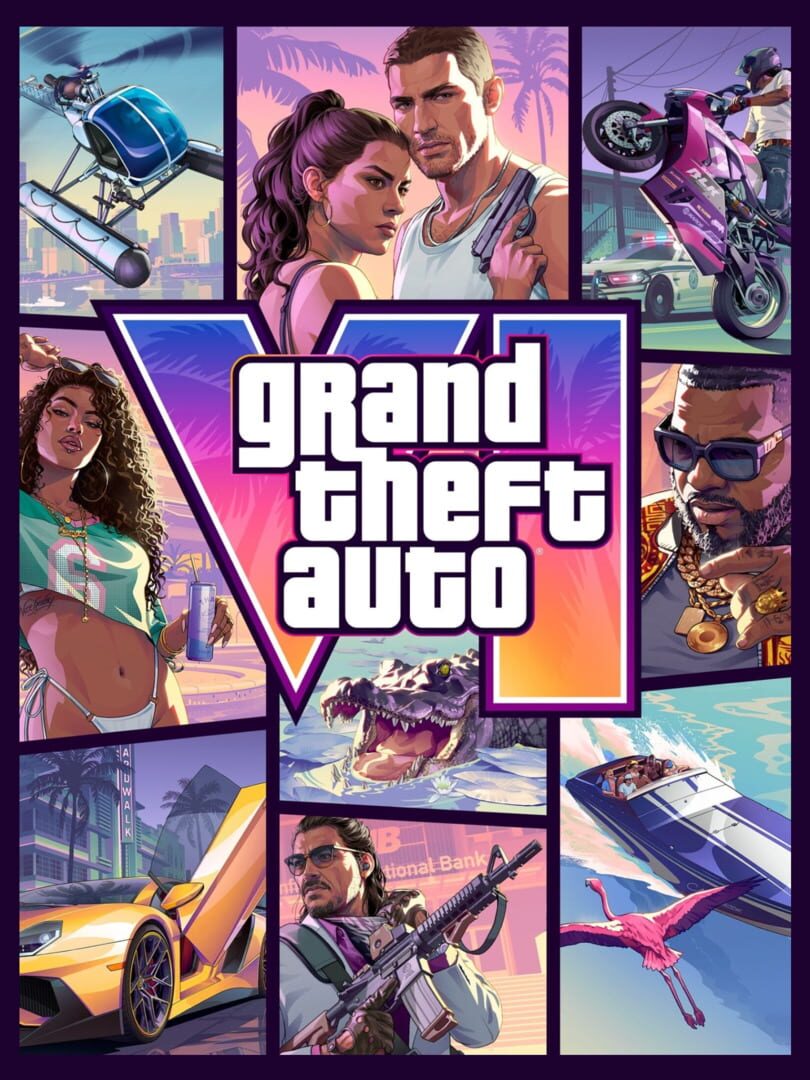
Grand Theft Auto VI heads to the state of Leonida, home to the neon-soaked streets of Vice City and beyond in the biggest, most immersive evolution of the Grand Theft Auto series yet.


