
GTA 6 Classic Controls: How to Enable GTA 5 Controls
GTA 6 ships with a Classic control scheme for players who want sprint, jump, melee and crouch back where GTA 5 put them. Here is where to find it, what each button does and how to undo it.
GTA 6 changes several of the movement controls that players spent years using in GTA 5. By default, sprinting is mapped to clicking the left stick, while Cross on PS5 or A on Xbox is used for jumping and climbing. If that layout keeps fighting against your muscle memory, Rockstar includes a Classic control scheme that moves the main on-foot actions back toward the familiar GTA 5 setup.
You can switch to Classic at any time through the Settings menu. There is no need to restart your save, begin a new game, or change each button individually. Rockstar also lets you preview the complete controller layout before leaving the menu.
How to turn on Classic controls
The Classic preset is found in the Control Scheme section rather than the general Controller settings. It only takes a few seconds to change and can be switched back whenever you want.
To enable it:
- Press Options on PS5 or the Menu button on Xbox Series X|S to pause the game.
- Open Settings.
- Select the Control Scheme tab.
- Change the current scheme from Default to Classic.
- Check the controller preview to make sure the layout is the one you want.
- Back out of Settings and confirm the change if prompted.
- Return to the game and test sprinting, jumping, crouching, and melee.
The change takes effect immediately. You do not need to reload your game or restart GTA 6.
What Classic controls change
The biggest difference between Default and Classic is the placement of the four main movement and melee actions. Classic puts sprinting back on the bottom face button and moves crouching onto the left-stick click, which is much closer to how GTA 5 feels on a controller.
| Action | Default controls | Classic controls |
|---|---|---|
| Run / Sprint | L3 on PS5 / LS on Xbox | Cross on PS5 / A on Xbox |
| Jump / Climb | Cross on PS5 / A on Xbox | Square on PS5 / X on Xbox |
| Melee | Square on PS5 / X on Xbox | Circle on PS5 / B on Xbox |
| Crouch | Circle on PS5 / B on Xbox | L3 on PS5 / LS on Xbox |
These are the changes you will notice immediately when moving around on foot. The rest of the Control Scheme screen is divided into categories for aiming, melee, vehicles, aircraft, bicycles, swimming, and parachuting, so you can preview the controls for each gameplay scenario before committing to a preset.
How sprinting works with Classic controls
The most important change for returning GTA 5 players is sprinting. With the Default layout, clicking L3 or LS controls running, while Cross or A is reserved for jumping. That can result in repeatedly jumping when your old GTA 5 muscle memory tells you to tap the bottom face button to run.
Classic moves running back to Cross on PS5 or A on Xbox. This makes normal movement feel much closer to the older games and also frees L3 or LS to handle crouching again.
If repeatedly tapping a button to move quickly is uncomfortable, check the Gameplay settings as well. GTA 6 includes additional movement and accessibility options, so you can use the Classic button placement while adjusting how some held or repeated inputs behave.

Melee and crouch also change
Melee attacks move from Square or X to Circle on PS5 or B on Xbox, while crouching moves from Circle or B to L3 or LS.
That means switching to Classic changes all four face-button and stick actions together rather than letting you restore only the sprint button. If you like the Default melee or crouch controls but want GTA 5-style sprinting, there is no full per-button remapping system that lets you build a completely custom layout. Rockstar instead provides preset control schemes.
Do Classic controls change driving?
The main Classic differences are the on-foot movement controls. Driving still uses the familiar trigger-based layout, with R2 or RT to accelerate and L2 or LT to brake or reverse.
The Control Scheme menu includes separate previews for land and water vehicles, aircraft, bicycles, swimming, and other situations. If a particular activity feels different after switching, open the Control Scheme screen and move through the categories rather than assuming every input follows the on-foot Classic layout.
Bicycles are also a notable exception to the normal on-foot sprint setup, so check the bicycle layout separately if you are trying to match older GTA controls exactly.
Can you switch back to Default controls?
Yes. The setting is not permanent and does not affect your save file.
Return to Settings > Control Scheme and change Classic back to Default whenever you want. Rockstar also includes Restore Default and Restore All options at the bottom of the Settings screens if you have changed several controller options and want to reset them.
There is also a Left-Handed control scheme alongside Default and Classic. That preset is designed for players who prefer the primary stick and trigger functions arranged differently rather than for people looking specifically for the GTA 5 layout.
Should you use Default or Classic controls?
Classic is the better starting point if you have hundreds of hours of experience playing GTA 5 and keep pressing Cross or A when you intend to sprint. It immediately restores the familiar relationship between sprinting, jumping, melee attacks, and crouching without requiring you to relearn four common actions at once.
Default is worth trying if you are starting fresh with GTA 6. Moving sprint to the left stick keeps the face buttons available for contextual movement and makes the game feel closer to many modern action games.
Neither scheme changes the underlying gameplay or gives you an advantage. The best option is the one that lets you move, fight, and react without thinking about where Rockstar placed the buttons. For long-time GTA 5 players, that will usually be Classic.
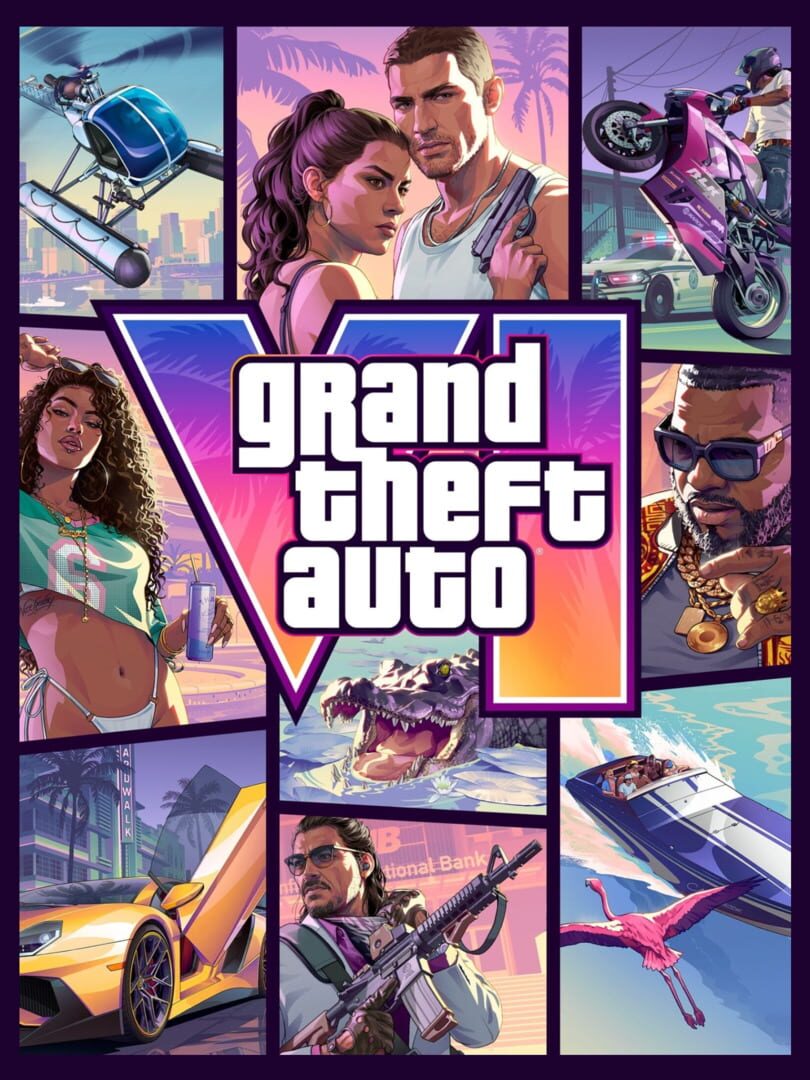
Grand Theft Auto VI heads to the state of Leonida, home to the neon-soaked streets of Vice City and beyond in the biggest, most immersive evolution of the Grand Theft Auto series yet.


