All GTA 6 Smartphone Apps and What They Do
Banking, fast travel, car scanning, social media and more all run through the phone. Here is every app and what it is for.
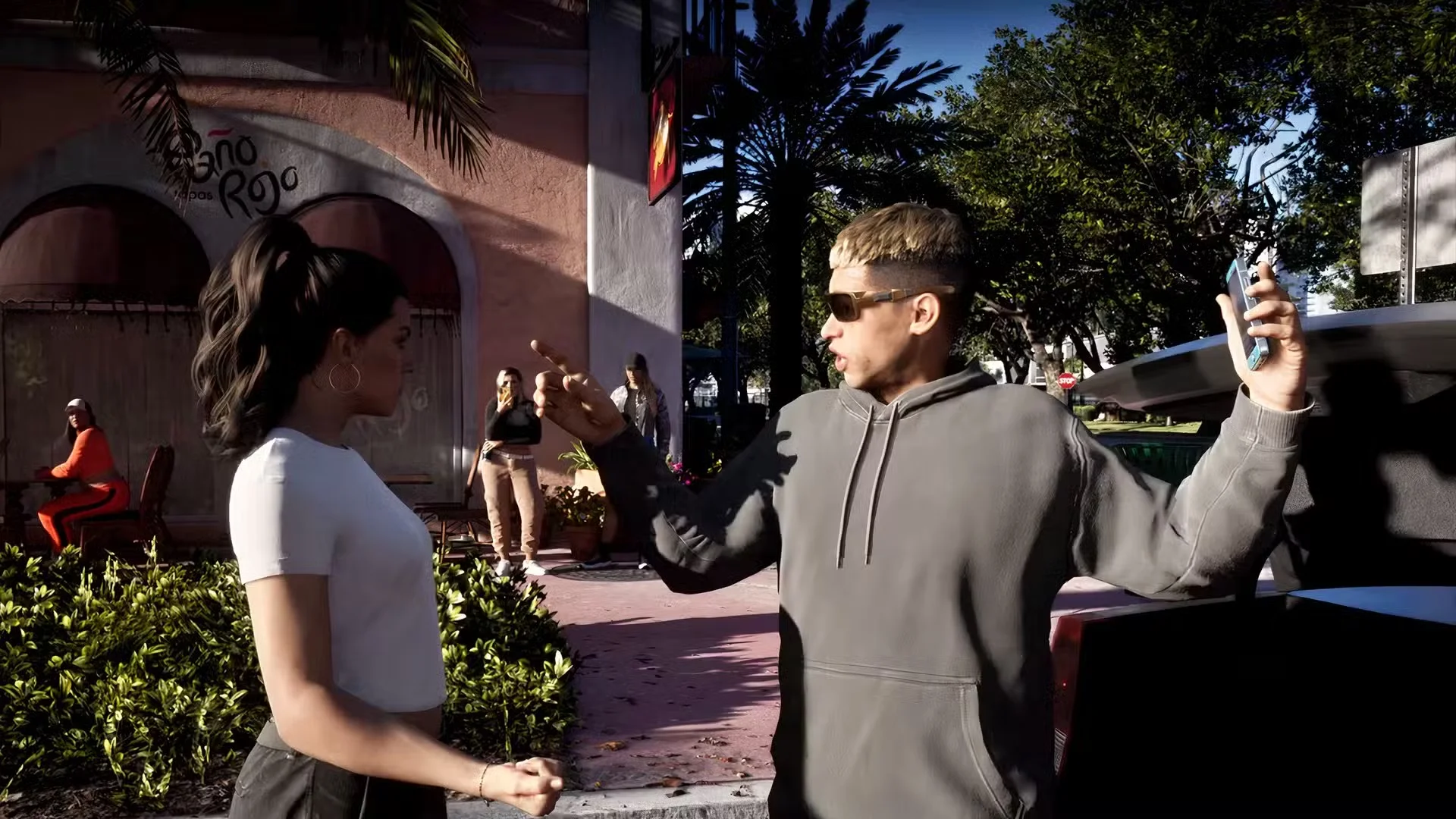
Jason and Lucia's smartphones in GTA 6 handle far more than calls and texts. The phone is used for banking, fast travel, vehicle scanning, social media, fitness tracking, weather forecasts, buying garages, getting personal cars delivered, and following new mission leads.
Press Up on the D-pad to take out the phone. Holding Up instead opens the WAiNK scanner directly, which is useful when you are checking a vehicle before stealing it. More services become available as the story progresses, particularly during Chapters 1 and 2.
Current post-release guides do not all count the phone's features in exactly the same way. Reminders is sometimes treated as a home-screen section rather than a normal app, while On Demand functions as the phone's audio hub. The main app grid and story services are covered below, followed by those additional phone features.
WhatUp
WhatUp is the main messaging app.
Characters use it to send Jason and Lucia texts, photos, job offers, information, and locations. A lot of optional content begins with a message rather than a map icon, so WhatUp is worth checking whenever you see an unread notification.
It is also an important part of Jason and Lucia's relationship. The two protagonists can contact each other outside missions, and ignoring messages or calls from your partner can affect their relationship.
Contacts
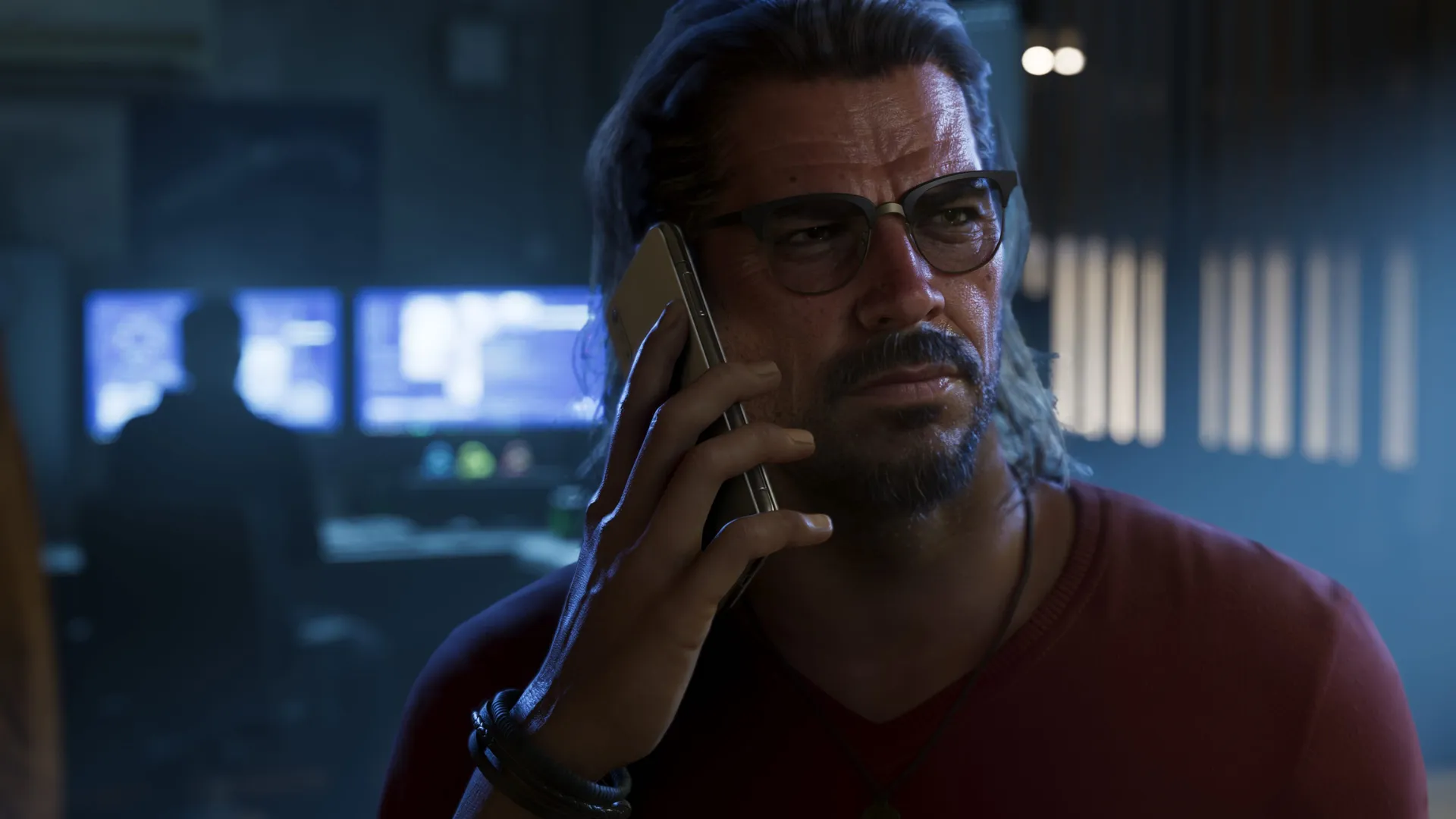
The Contacts app stores the phone numbers you have collected.
You can call story characters, businesses, and services directly from here. One particularly useful early contact is Paradise Taxi, which gives you a way to request transportation before all of the later travel services are available.
Contacts can also be used to call Jason or Lucia when the story allows it, as well as characters who offer services or side activities.
There is no traditional phone keypad like the one in GTA 5. You make normal calls through saved contacts rather than manually entering arbitrary phone numbers.
Camera
The Camera app lets you take normal photographs and selfies.
The rear camera is useful for photographing the world, while selfie mode includes character poses and expressions. Camera options also include features such as zoom, lighting, and framing tools.
Photos are sometimes more than cosmetic. Certain activities and interactions require you to photograph something or send an image to another character, so the Camera app can become part of mission progress rather than simply a photo mode.
The phone Camera is separate from the game's broader Photo Studio features. If an objective specifically asks Jason or Lucia to take a photograph with their phone, use the Camera app rather than assuming a screenshot or separate photo mode will count.

Gallery
The Gallery stores photos taken or received on your phone.
Open it to revisit pictures you have taken and images received through the story. It also contains personal photographs connected to Jason and Lucia rather than acting only as an empty folder for player-created shots.
If you take a photograph for your own reference while solving a puzzle or hunting a location, the Gallery is the easiest place to check it again without returning to the original spot.
Snapmatic
Snapmatic returns as Leonida's main social media feed.
Instead of functioning primarily as a place where the protagonists upload their own pictures, GTA 6 uses it as a window into what people around Leonida are doing. You can browse posts, follow accounts, read comments, and interact with content that appears as the story progresses.
Some Snapmatic posts are worth paying attention to because they can point toward things happening in the world. A location mentioned or shown in a post can occasionally lead to an activity or encounter rather than existing only as background satire.
News

The News app collects stories about events taking place around Leonida.
Its reports come from in-world outlets including Weazel News, The Leonida Journal, and the Vice City Horn. Stories update as major events happen, and the coverage can sometimes reflect crimes or incidents that Jason and Lucia were involved in.
It is easy to ignore the app because it rarely blocks progress, but it offers some of the game's most interesting reactions to what is happening in the wider world.
Weather
The Weather app shows current conditions and upcoming forecasts.
It is more useful than a decorative weather widget because GTA 6 has activities affected by time and environmental conditions. The app can show upcoming weather, hourly conditions, and sunset information, making it useful when you are waiting for an activity that works better at a particular time.
Fishing is one obvious use. If you are planning a longer trip into the wetlands or offshore, checking the forecast first can save you from reaching the area under the wrong conditions.
Fitness

The Fitness app tracks Jason or Lucia's physical condition.
It tracks the character's Strength, Cardio, and Focus progression, while also displaying information connected to food, body condition, workouts, and rest.
This makes it the best place to check whether your training is actually improving the character instead of relying on appearance alone.
Jason and Lucia have their own physical progression, so checking Fitness after switching protagonists can also help you see which character needs more work.
WAiNK
WAiNK is one of the most useful apps in the game if you steal cars.
Point it at a vehicle and scan it to see information about the car and its security. Depending on the vehicle, WAiNK can reveal details such as its model, condition, lock, alarm, tracker, estimated value, and registration cost.
That information becomes increasingly important once the vehicle ownership system opens up. A cheap car with no tracker may be easy to steal and register, while a valuable vehicle fitted with stronger security can require equipment or services you have not unlocked yet.
You do not need to navigate through the normal app screen every time. Hold Up on the D-pad to open WAiNK directly, then scan the target vehicle.
WAiNK can also recognize more than cars. The scanner is used with certain landmarks and world objects, making it useful while working through exploration content as well.
BuckMe

BuckMe is Jason and Lucia's banking app.
It becomes important during the Chapter 1 mission Buck Me, when the banking system is properly introduced. The app provides access to your account information and includes features such as Checking, Family Savings, and an ATM finder.
Cash in your bank is safer than walking around Leonida with a large amount of physical money. Getting Wasted or Busted can cost you pocket cash, so depositing money rather than carrying everything around is the sensible option once BuckMe is available.
Family Savings is separate from ordinary spending money and is connected to longer-term financial progression. BuckMe is therefore worth opening occasionally even when you are not trying to make a purchase.
RydeMe
RydeMe is GTA 6's rideshare app and one of its main fast-travel systems.
Choose a destination and request a driver. Once you are inside the vehicle, you can either sit through the journey or pay to skip ahead and arrive immediately.
The skip option makes RydeMe especially useful when you need to cross a large section of Leonida quickly. It also advances the in-game clock by roughly the travel time, which can help if you are waiting for a nighttime activity.
RydeMe is tied to story progression and is not necessarily available during the opening hours. Paradise Taxi through Contacts fills a similar role before the rideshare service is unlocked.
Scooter Bros
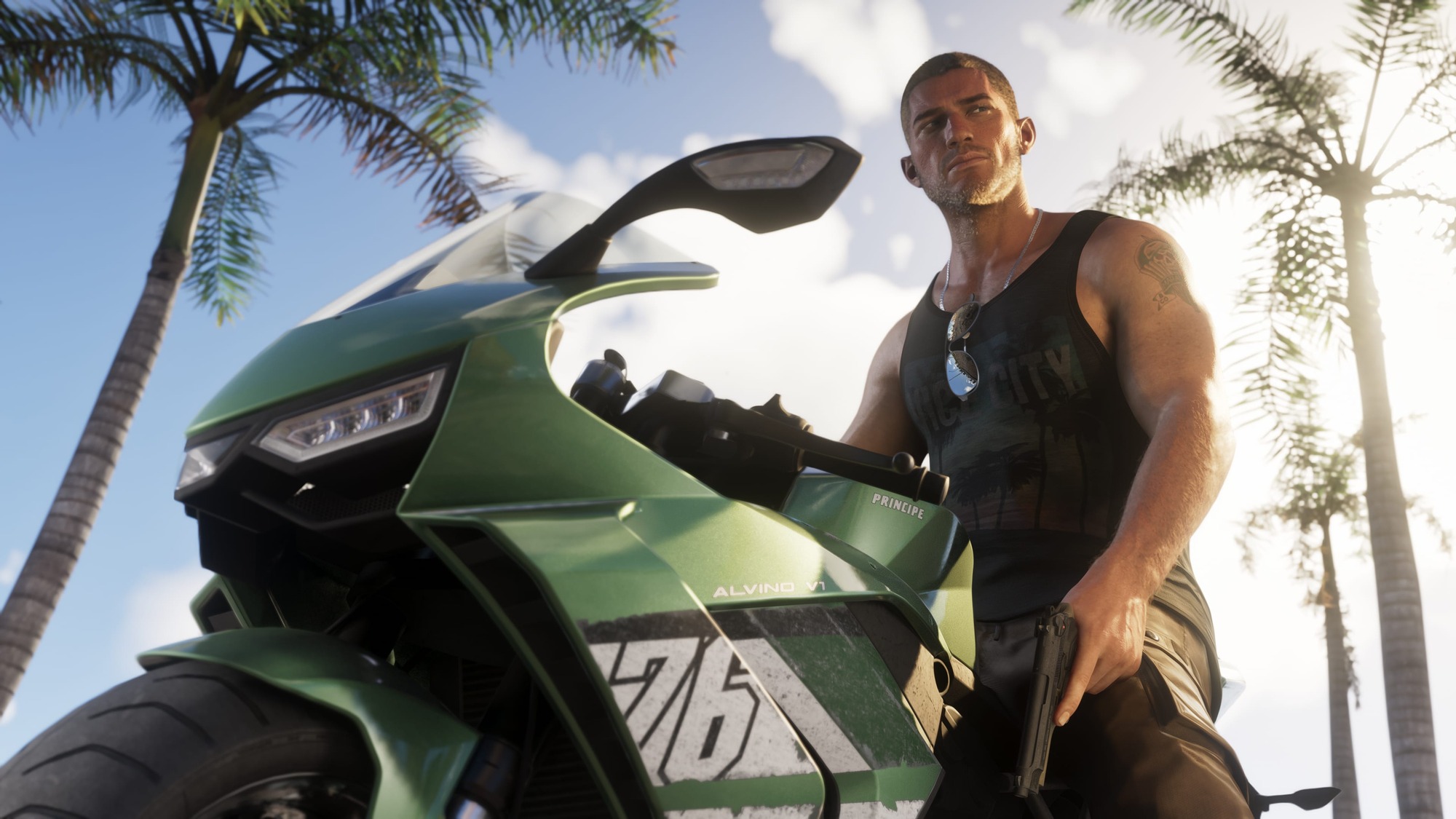
Scooter Bros manages delivery of vehicles that actually belong to you.
The service becomes available through Moses' Chapter 2 vehicle content, once the vehicle registration system is introduced.
Open Scooter Bros and choose one of your registered vehicles to have it brought to your current location. Delivery normally costs money, with the final charge affected by factors such as the vehicle's condition and where it needs to be delivered from.
The service is also useful when a personal vehicle has been lost, damaged, or otherwise left somewhere inconvenient. This is one of the major benefits of properly registering a car rather than relying on an ordinary stolen vehicle.
Vice City Real Estate
Vice City Real Estate is the property app used to buy additional garages.
It unlocks during Moses' Chapter 2 progression, around Daily Driver, after the vehicle ownership system has become established.
The app lists garages around Leonida and lets you buy them directly from your phone. Each purchase expands the amount of permanent vehicle storage available to Jason and Lucia.
It is not a full house-buying system. If you open Vice City Real Estate expecting a catalogue of mansions and apartments, you will mainly find garages intended to expand your vehicle collection.
Settings
The Settings app controls the phone itself.
You can change the device's wallpaper and ringtone from here. It also contains a Third-Party Plugins section, which becomes more important as the story adds extra tools to your phone.
These plugins should not be confused with normal home-screen apps. They extend the phone's capabilities without necessarily adding another standard icon.
Reminders
Reminders keeps track of things you may need to return to.
It collects missed calls, unanswered messages, notifications, and other leads that can easily disappear beneath the constant stream of new phone activity. If you return to GTA 6 after a break and cannot remember what you were supposed to do next, Reminders is one of the first places worth checking.
On Demand
On Demand handles entertainment you can listen to outside the normal vehicle radio system.
It includes podcasts and other unlocked audio content, and GTA 6 allows audio to continue while Jason or Lucia is walking around when they have suitable headphones or earbuds. Rockstar confirmed on-demand podcasts and wearable audio before release.
The Cop Scanner is a plugin, not a normal app
The Cop Scanner is another useful phone feature, but it is installed as a third-party plugin rather than appearing as one of the standard apps.
Cal installs it during Unwanted Attention. Afterward, it lets you hear police dispatch information during crimes and chases, which can help you understand where officers are moving. The plugin can be seen under Settings > Third-Party Plugins.
You do not need to keep an app open for the scanner to work. Once installed, its police-radio functionality becomes part of normal play.
The Key Cloner is another phone plugin
Later vehicle theft missions add another tool to the phone for dealing with higher-end cars.
The Key Cloner is installed through the story and helps with vehicles whose security cannot be bypassed using the basic early-game theft tools. Like the Cop Scanner, it belongs to the phone's plugin system rather than the normal app grid.
If you encounter an expensive vehicle that WAiNK identifies as having security you cannot currently defeat, continuing the story is often the answer rather than searching for a missing app.
Is there an internet browser on the GTA 6 phone?
No traditional browser equivalent to the one in GTA 5 has been documented in the released game.
Rockstar moved many services that previously existed as websites into dedicated apps instead. Banking goes through BuckMe, rides through RydeMe, garages through Vice City Real Estate, and social content through Snapmatic.
That makes the phone considerably more useful during ordinary play. Instead of opening a browser and navigating through fictional websites, most important services sit directly on Jason or Lucia's home screen.
The apps also continue changing as you progress, so if BuckMe, Scooter Bros, RydeMe, or Vice City Real Estate is missing from your phone, it usually means you have not reached the mission that introduces that service yet.
Grand Theft Auto VI heads to the state of Leonida, home to the neon-soaked streets of Vice City and beyond in the biggest, most immersive evolution of the Grand Theft Auto series yet.


